


Check a licence plate? All vehicle data directly at hand
A trade-in on your premises, an interesting car in the auction, a vehicle that has just entered your stock. In all of these cases, you want to know the same thing: what exactly is this car? Usually, you gather that information from separate sources, with three tabs open and a notepad next to you.
With the vehicle checker in CarCollect, you retrieve vehicle data based on a licence plate or chassis number. In one overview, you can see everything known about that vehicle from the connected data providers, such as Autotelex, VWE or the VIN decoder.
Where you notice the difference
When taking in a vehicle as a trade-in, every minute counts. Your customer is taking a test drive and wants to hear a proposal when they return. With the vehicle checker, you already know during that test drive which version you are dealing with. So you build your trade-in proposal on facts rather than an estimate.
It works the same way when purchasing. Before you bid, you check whether the vehicle is what you think it is. This way, your bid matches the car that is actually there and not the car you expected. And in your stock, every vehicle you add starts with correct basic data. That saves corrections afterwards and duplicate work.


















How the vehicle checker works in CarCollect
Ready to get started with the Vehicle checker? In just a few simple steps, you can retrieve all available vehicle data and put it to work right away. Here's how it works:
-
Step 1 – Open vehicle data
Are you using CarCollect on your desktop? Click ‘Apps’ in the top right and select ‘Vehicle Data’. In the mobile CarCollect app, you can find ‘Vehicle Data’ at the bottom right of the screen under ‘More apps’. -
Step 2 – Search for your vehicle
Under ‘Search vehicle’, enter the licence plate or chassis number and add the requested information, such as vehicle type, first registration date and make. -
Step 3 – Retrieve the vehicle data
Based on your input, the available vehicle data is retrieved immediately and displayed in a clear overview. -
Step 4 – Continue directly with your vehicle
Add the vehicle and continue working immediately with the retrieved data. This way, you do not have to copy anything manually. Want to get started with the Vehicle checker? Our support team will be happy to help you activate it quickly.
All your requests clearly together
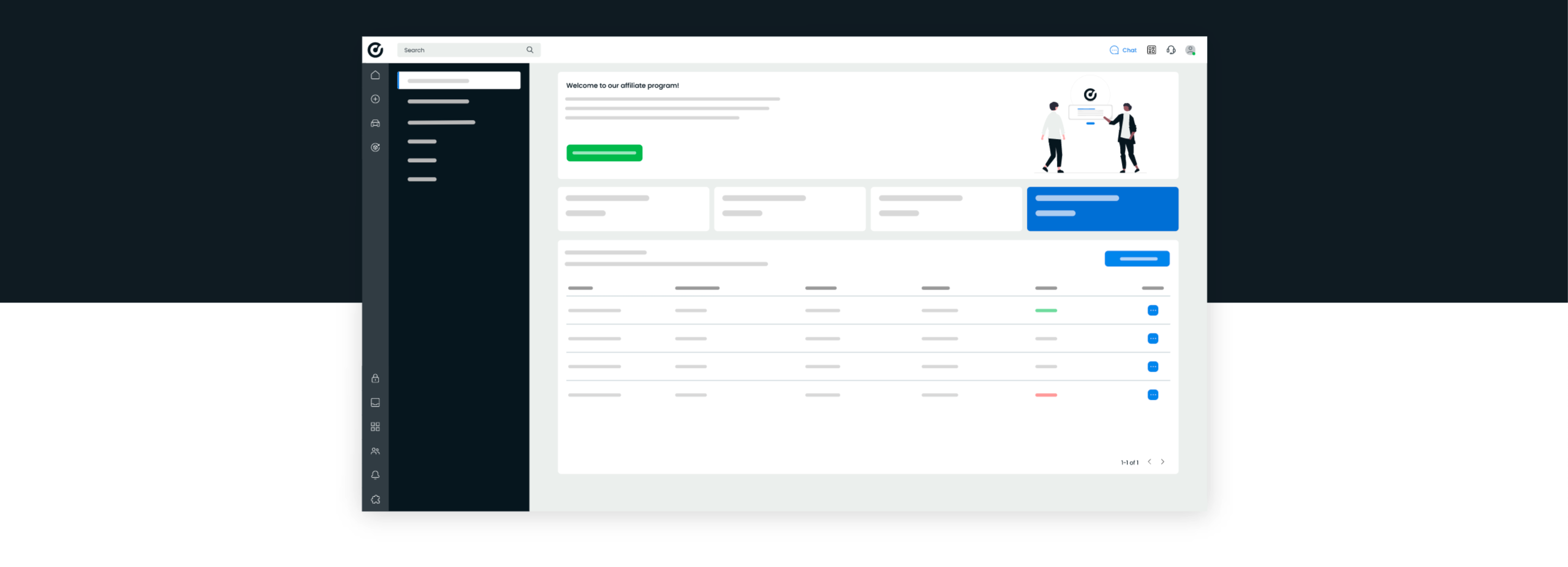
Below the search function, you will find an overview of all previous vehicle requests. You can see exactly which vehicles were requested, by which user and through which data provider. You can also find the licence plate, mileage and time of the request here.
This makes it easy to check whether a vehicle has already been requested before and which data was used. Useful when you work with multiple colleagues. You avoid duplicate requests, save time and keep an overview of the vehicle data retrieved within your organisation.
The right data at every step
You do not need vehicle data at just one moment. You need it when you sell a car, when you bid on one and when a car enters your stock. If you look it up again every time, you are doing the same work three times.
That is why the vehicle checker works well with CarCollect Selling, CarCollect Buying and CarCollect Vehicle Stock Management. Whatever you are working on, the vehicle data is within reach.
- CarCollect Selling
Trade-in on location? Check the vehicle during the test drive, so your proposal is accurate and you know exactly what you are offering when you put the car up for auction. - CarCollect Buying
Interesting car in the auction? First check what is in front of you and bid on the vehicle as it is, not as you expected it to be. - CarCollect Vehicle Stock Management
New vehicle in? Record the basic data based on data instead of retyping it, so every vehicle in your stock starts with the correct information.
Ready to get started? We are here to help!
Less searching and retyping, more control over your vehicle data. Contact one of our experts to activate the vehicle checker in your CarCollect account.